Burn Scanner

I'm a newbie 'Burner' like some of you. Jeff's Scanner I found to be a really amazing tool as a starting point for research.
It has loads of information, but the colors make it difficult to screen print and read and I want to see the whole picture not just what's on the window screen. Jeff thought of that.
For those who know about CSV's stop here as this post is only for those unfamiliar with this dowload feature. I don't want waste your time if already know about CSV's!
Bottom left of the Scanner screen is a CSV icon.
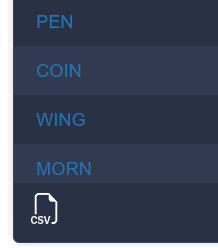
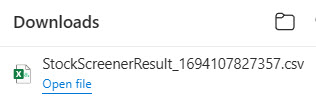
Clicking downloads a CSV file that typically shows top right of your screen. Click the blue Open File link and it opens to a spreadsheet format.
I like to change the format to Excel Worksheet and then save under a date based file name in my Scanner folder.
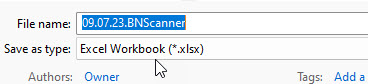
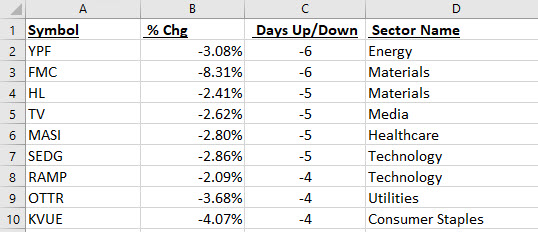
I like to sort by column for Days Up/Down and then extend the columns and increase the font size before saving. When saving I change to an Excel format.
Seeing how many tickers are down in relation to how many are up could be a reflection of the general health of the markets. I then print out the sheets although I do also delete the 1 day tickers first to save paper.
Now I can start my research and add notes to the Excel file on what I find.
Anyone else do anything like this? Again, I'm a newbie to all of this so please comment if I'm wrong!
Martin
Please sign in to leave a comment.
Comments
0 comments